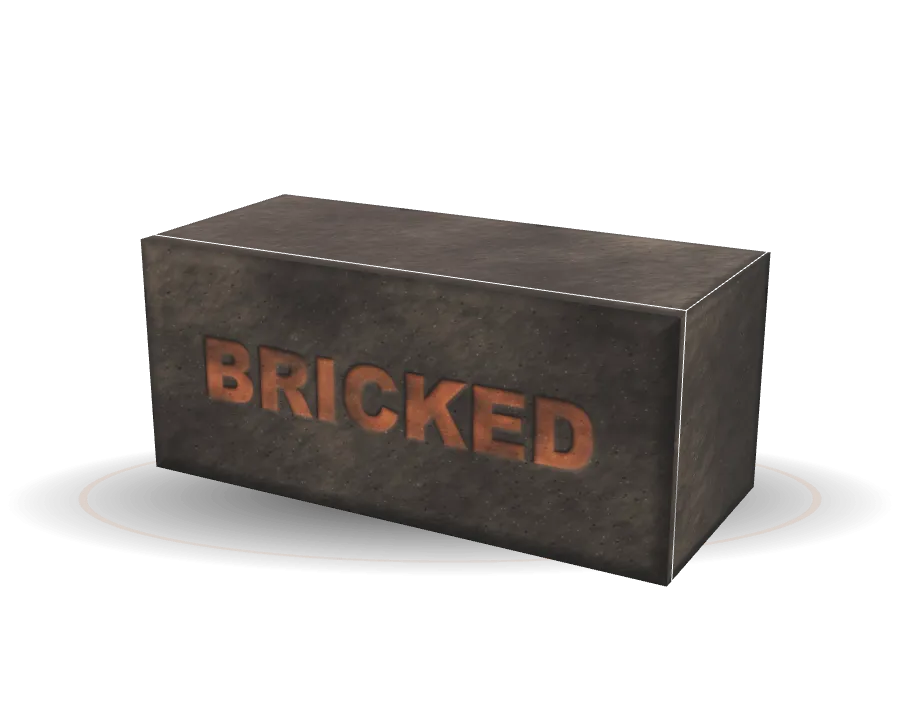
Daily limit
Every minute fills the brick
Pick TikTok, Instagram, YouTube, games — anything. Give them a daily budget. The brick on your Home Screen fills as you scroll, so “just five minutes” finally has a size.
More about daily limitThe iPhone app blocker that turns TikTok, Instagram and YouTube to brick when your daily limit runs out. No one-tap “Ignore”.

Bricked · until 12:00 AM
53%
45%
25%
Pew Research Center, 2026 · source
Most people who try to cut back don’t get far. We don’t think that’s a willpower problem — we think it’s a one-tap problem. Here’s what getting back into a blocked app costs, unlock after unlock.
Apple Screen Time
One tap, every time
Bricked, free
Wait before each 5-minute peek
Bricked+
Press and hold, longer each time
Daily limit
Pick TikTok, Instagram, YouTube, games — anything. Give them a daily budget. The brick on your Home Screen fills as you scroll, so “just five minutes” finally has a size.
More about daily limitThe brick
Apple’s own shield covers them until midnight, when the brick resets. Calls, messages, maps and everything you didn’t pick keep working exactly as before.
More about the brickUnlocking
Every unlock is a five-minute peek. With Bricked+ you press and hold — 3 seconds, then 5, 10, 15, 30, a full minute as the day goes on. On the free plan you wait instead.
More about unlockingSchedules
Set it once: 11 PM to 7 AM, or 10 to 1 on weekdays. Inside the window the apps lock on their own, even with minutes left.
More about schedulesScroll-free time stacks up into ten bricks, from Clay to Diamond. Diamond takes about three months of real progress — and a day of unlocking your way past the brick costs you the tier.







UK adults spend about 4 h 30 min online every day, most of it on their phones (Ofcom, 2025). Move the slider to see yours.
Open the full calculator68
days a year
10.4
years by age 80
28%
of your waking day
Assumes 16 waking hours a day and the same habit until 80. It counts all phone time — some of it is time well spent. Bricked is for the rest.
41% of Americans say their smartphone hurts their sleep — 62% of 18–29-year-olds (Pew, 2026). Set a bedtime once, and at 11 PM your apps turn to brick on their own. No decision to make at midnight, because you made it at noon.
Set up a bedtime that holds$0
$39.90/year
or $2.90 a week · or $59.99 once, for life
Free trial on the yearly plan, for new subscribers
US App Store prices; your local price is shown in the App Store. Subscriptions are managed in your Apple ID settings. Pricing details
Bricked uses Apple’s Screen Time framework (Family Controls). You choose the apps or categories, set a daily limit or a schedule, and when the limit runs out iOS shows its own shield over those apps until midnight. Everything happens on your iPhone — there’s no VPN and no profile to install.
Yes — but it costs you something. Every unlock is a five-minute peek. With Bricked+ you press and hold, and the hold gets longer with each unlock that day (3 seconds up to a minute). On the free plan you wait instead (up to 5 minutes). In strict mode, a focus session can’t be ended early.
Screen Time is built to remind you; Bricked is built to hold. The details — passcodes, schedules, what happens when a limit runs out — are in the full comparison.
Bricked is free to download: you can block up to 3 apps or categories with one schedule and see this week’s stats. Bricked+ adds unlimited apps, multiple schedules, per-app limits, hold to unlock and strict mode — $2.90 a week, $39.90 a year with a 7-day free trial for new subscribers, or $59.99 once for lifetime (US prices).
No. There’s no account, no sign-up, no ads and no trackers. Your limits, schedules, streaks and stats stay on your iPhone. Apple processes payments; our subscription service only sees a random anonymous ID. How privacy works.
No — Apple’s framework blocks whole apps or categories, so Bricked limits Instagram or YouTube as a whole. If you want to keep messages but lose Reels, give the app a small daily limit instead of zero.
No. Bricked is an independent iPhone app and isn’t affiliated with Brick LLC. Brick uses a physical device you tap; Bricked adds the friction in software, so there’s nothing to buy or carry. Bricked vs Brick.
An iPhone with iOS 17 or later. Bricked is available in English, German, Spanish, French, Japanese, Portuguese and Russian.
Is 5 hours of screen time bad? 5 hours a day is 76 days a year. See every level from 3 to 12 hours, how you compare, and what to do at yours.
Four ways to lock yourself out of apps on iPhone, from the Screen Time passcode trick to app blockers, ranked by how hard each is to undo at 1 a.m.
Ignore Limit makes iPhone Screen Time easy to skip. How to remove it, why it still fails when you know your own passcode, and what adds real friction.
Pick your worst three apps. Give them an hour. Watch what you do with the rest of the evening.